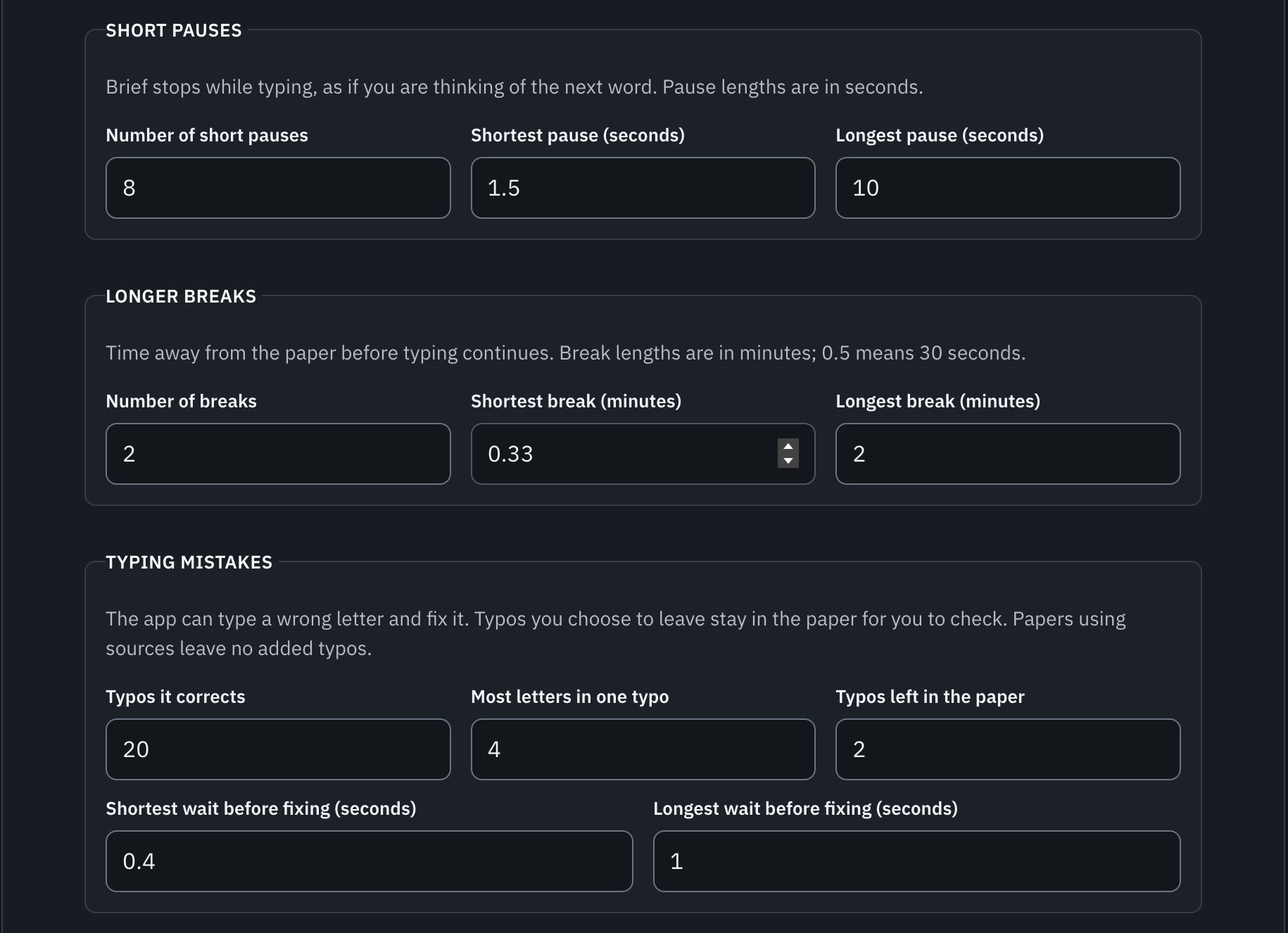
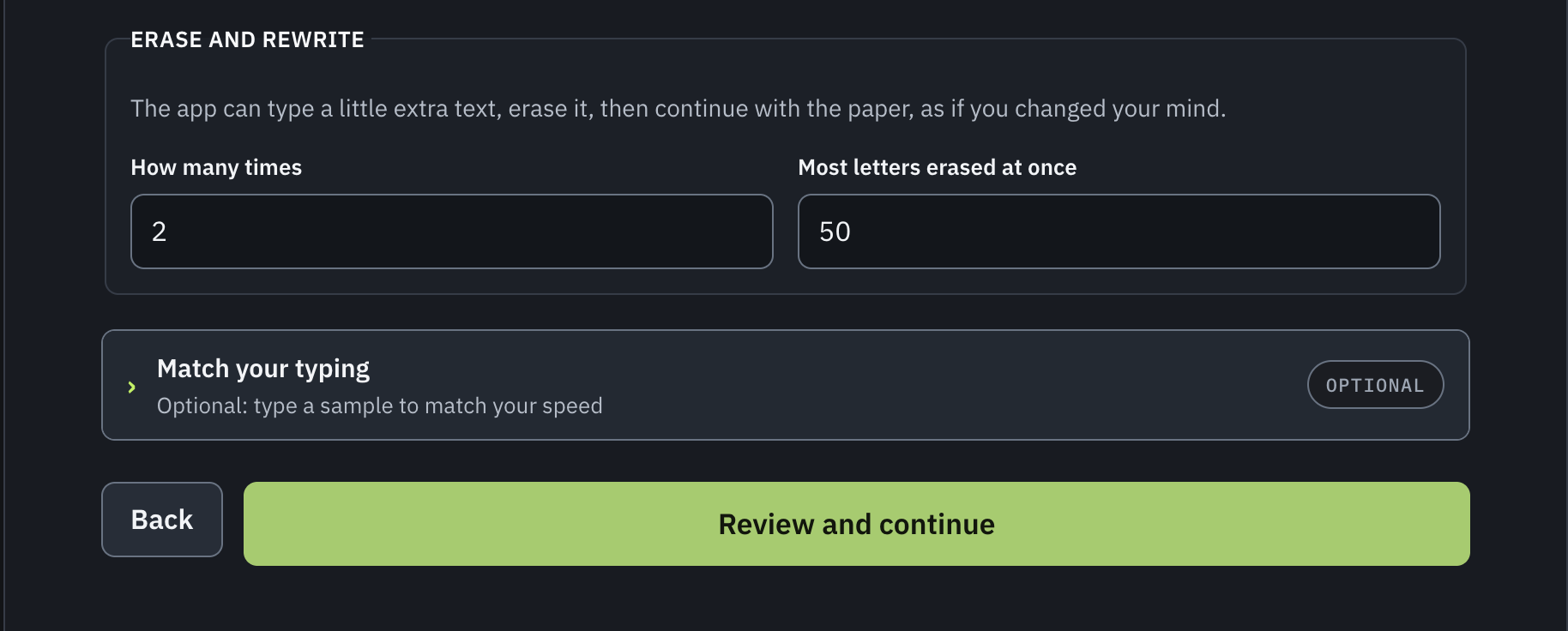
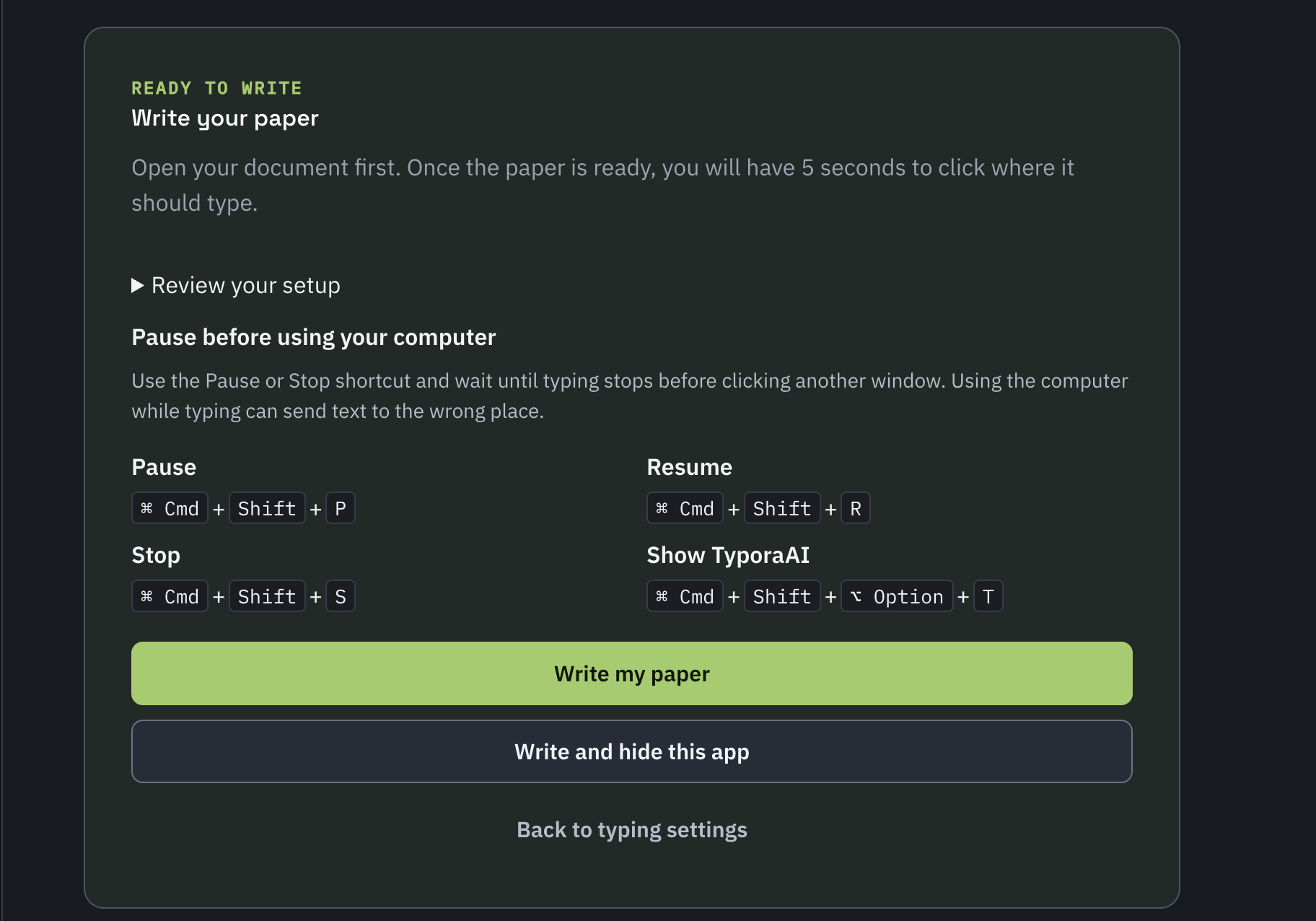
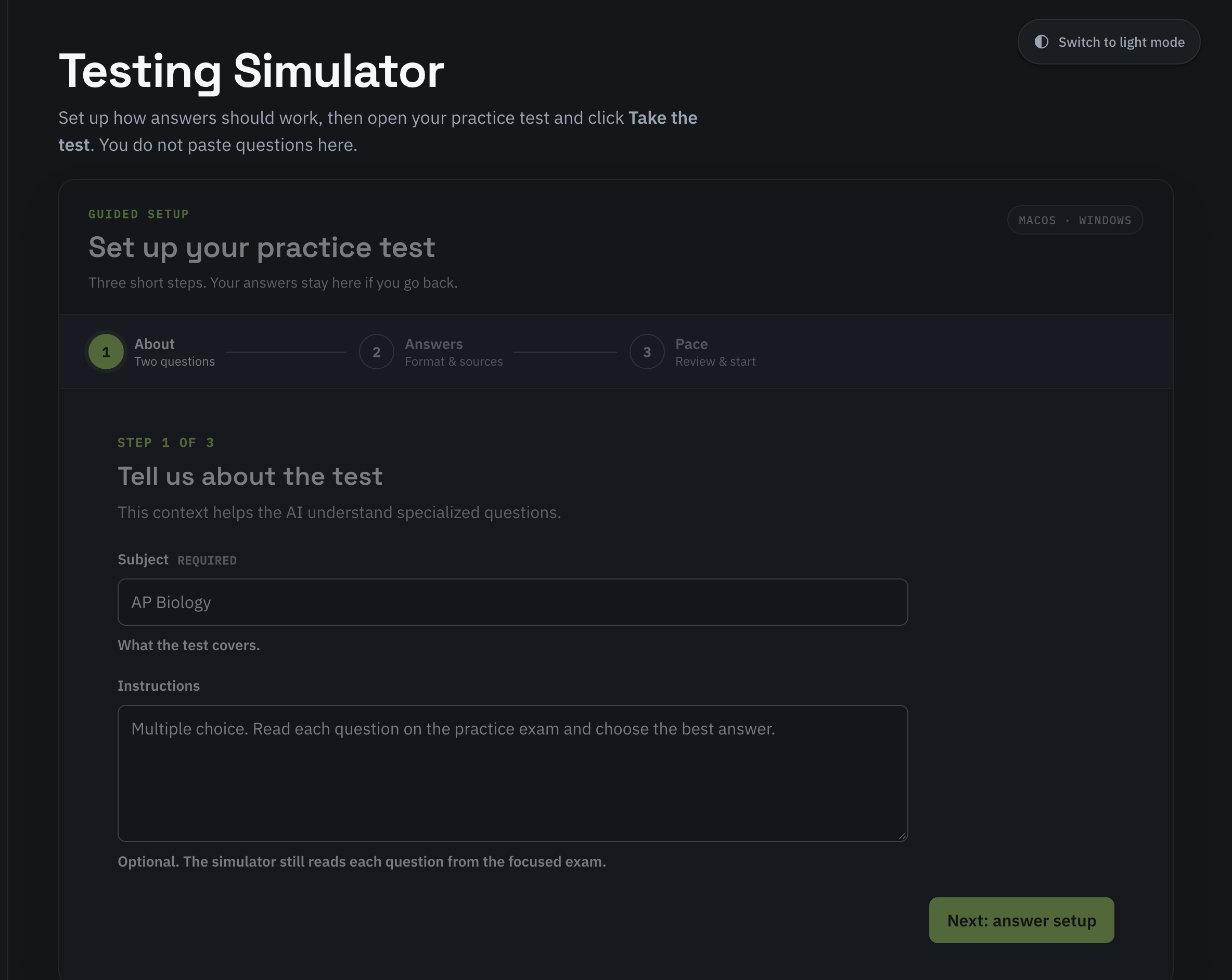
typoraAI writes your paper and takes your practice tests.
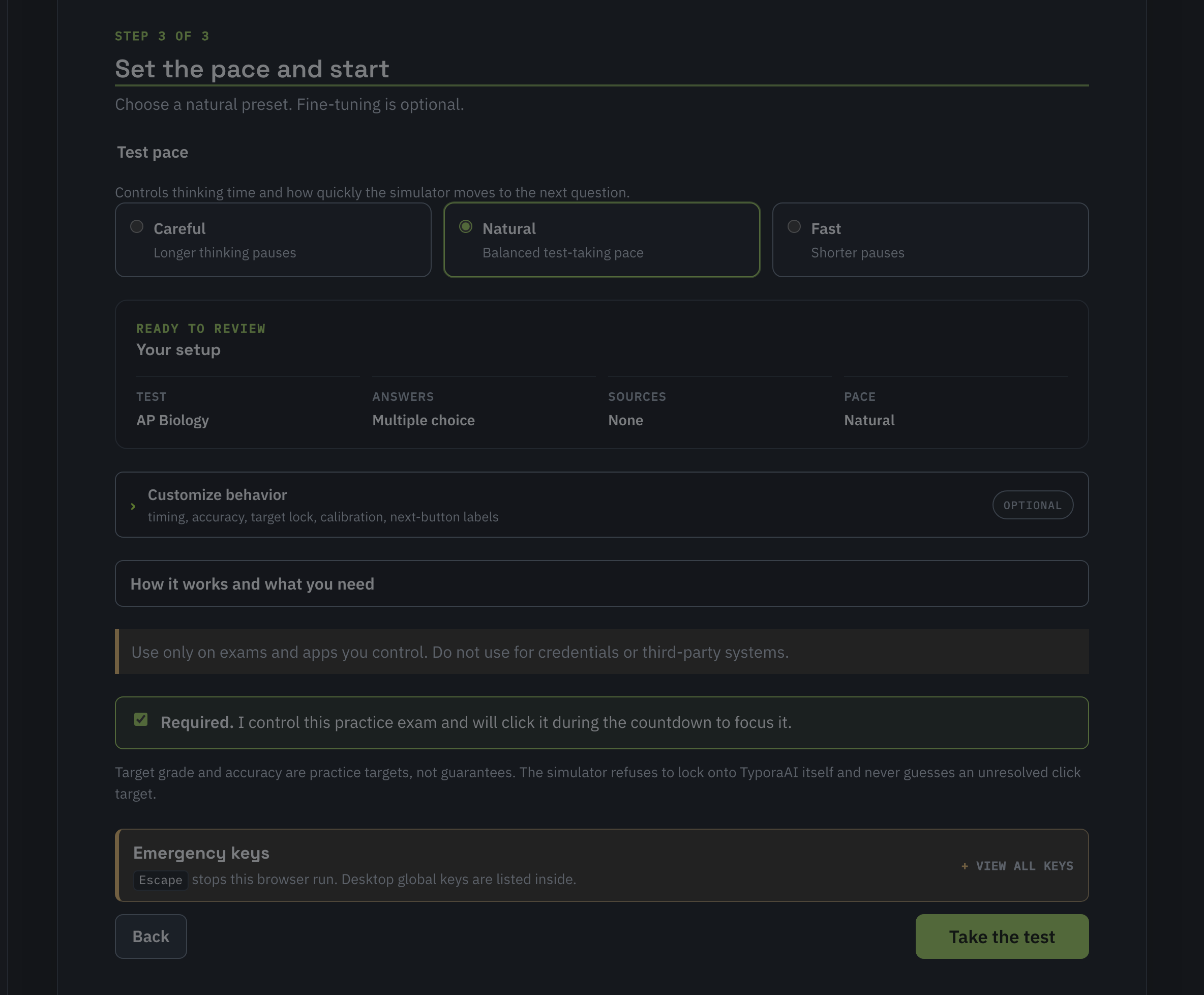
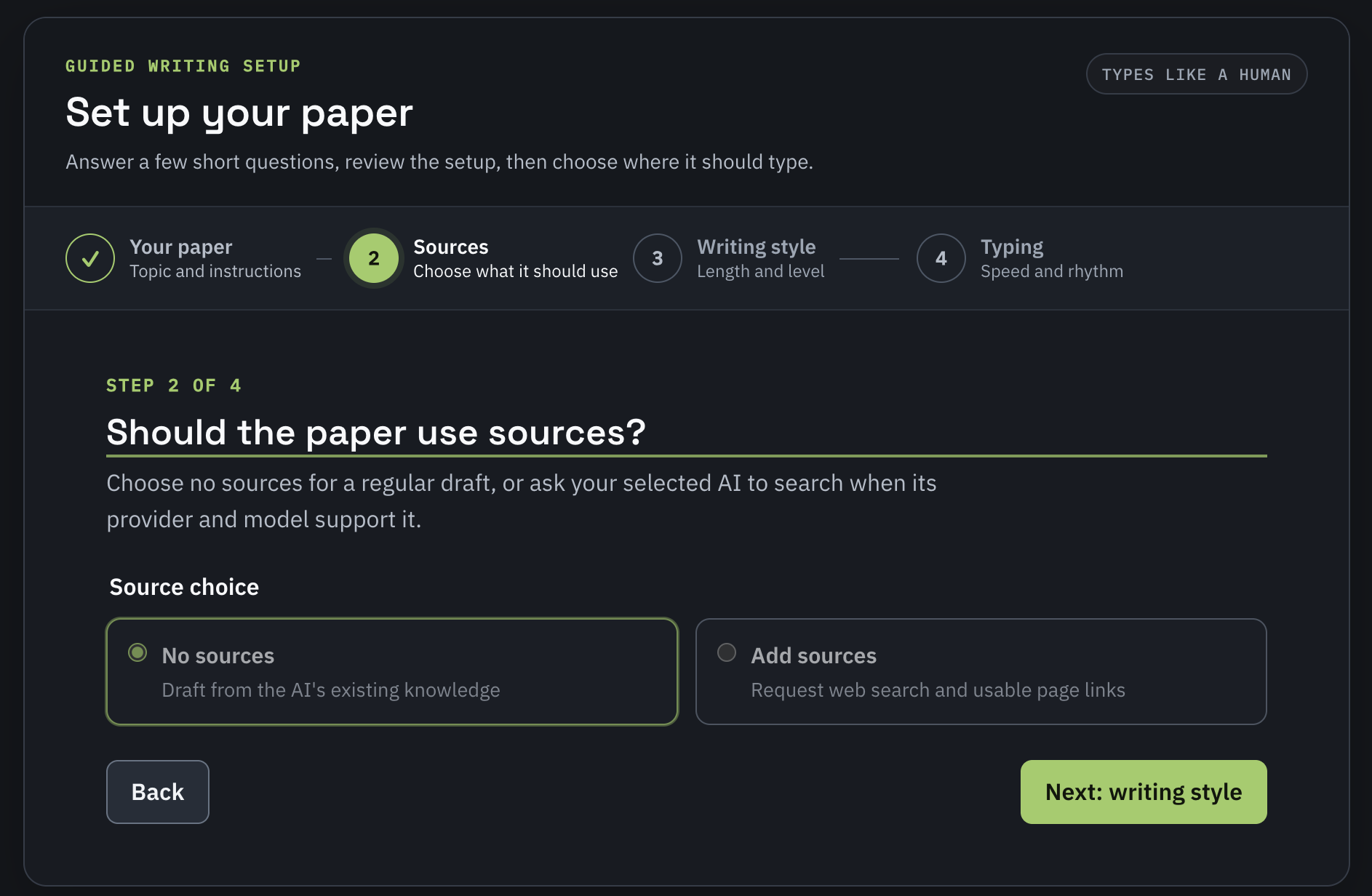
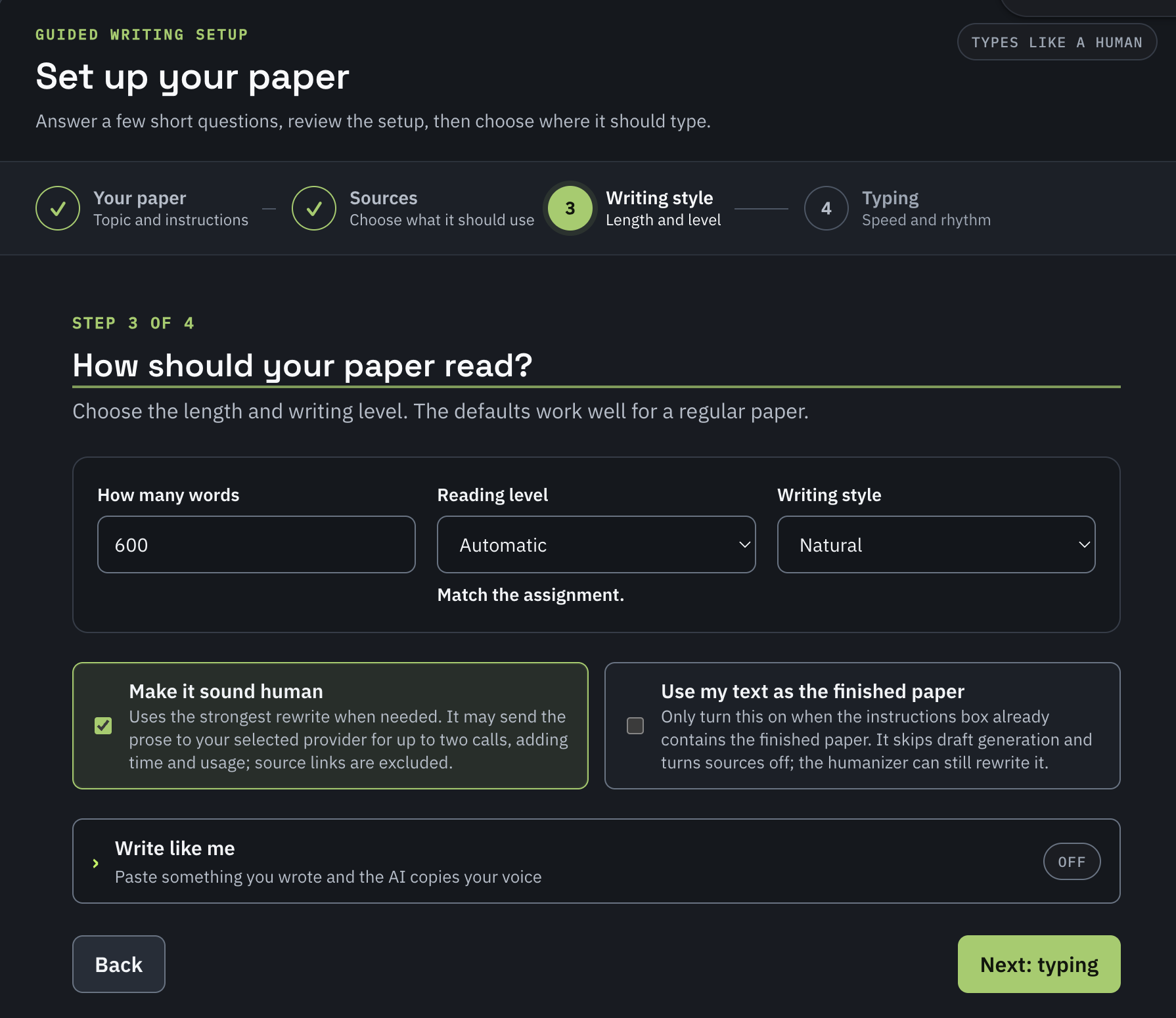
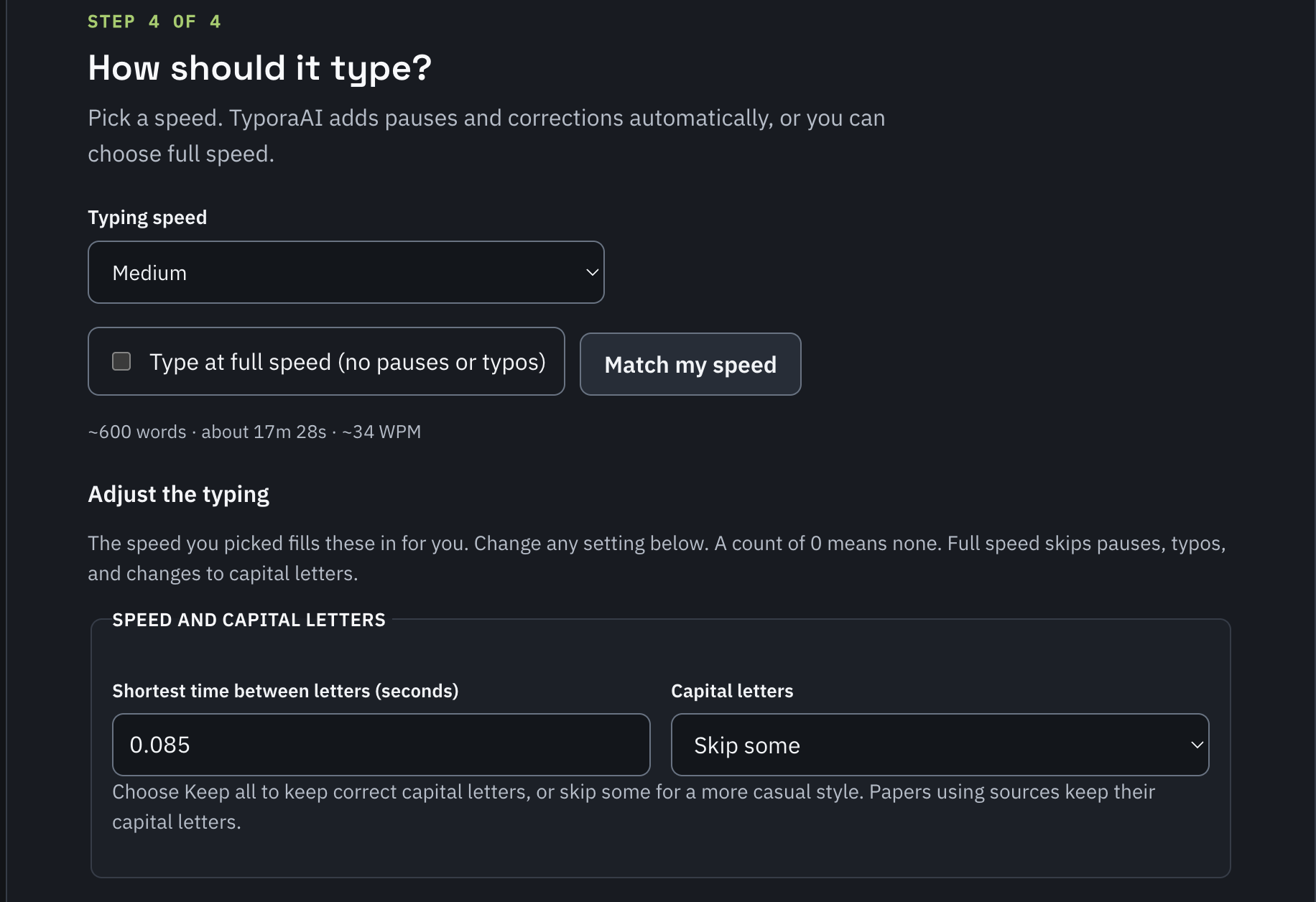
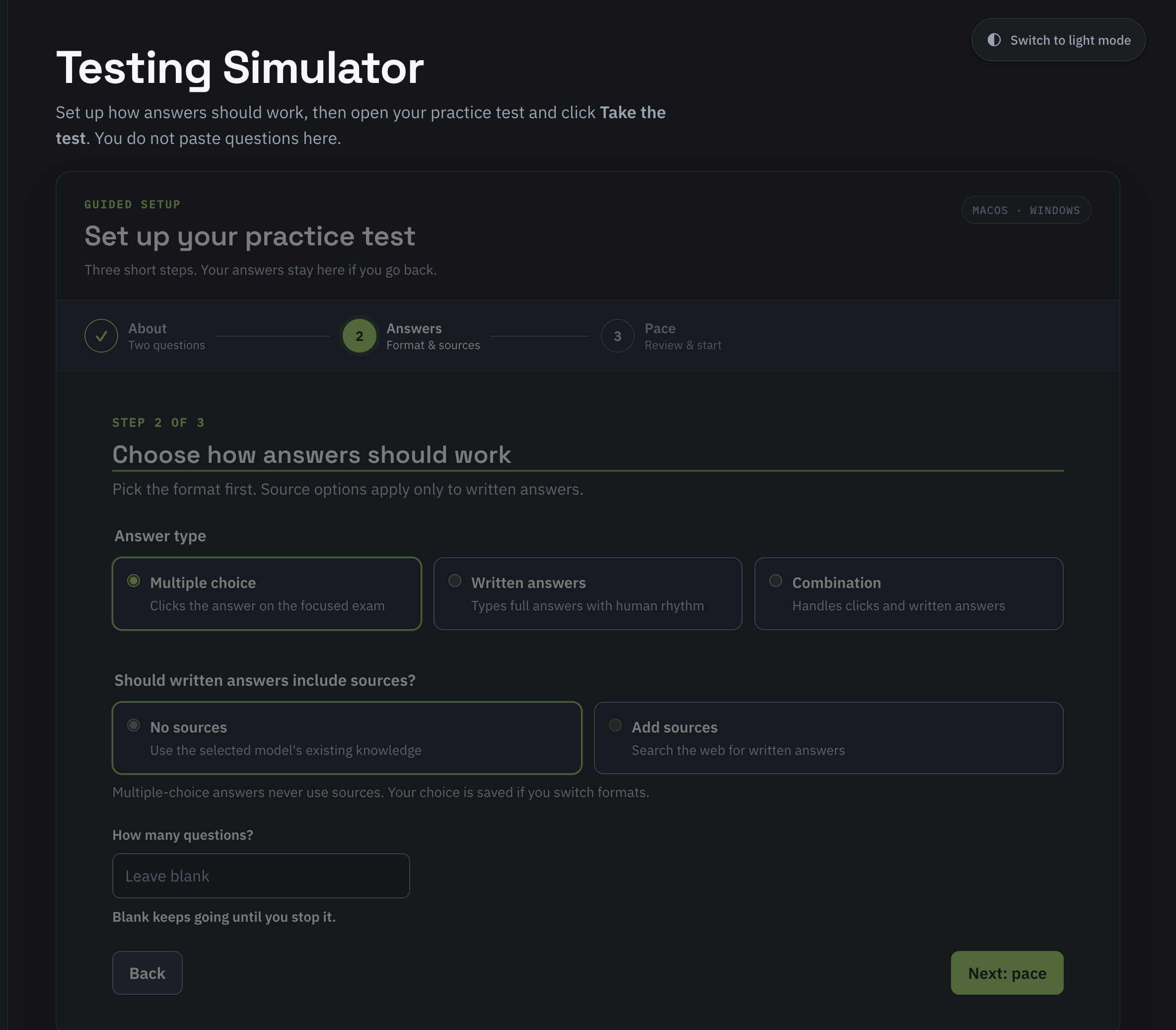
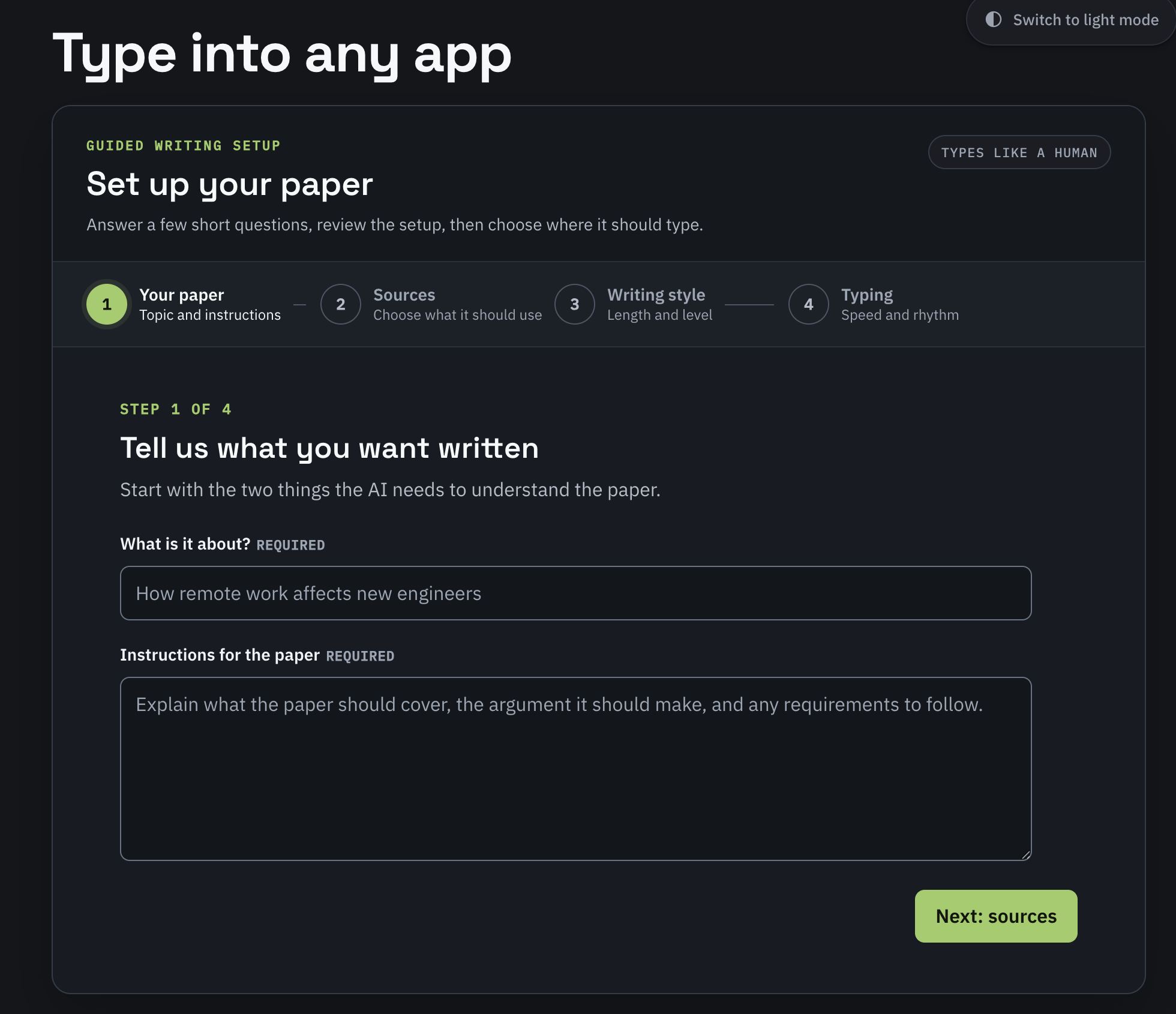
Set it up, then sit back. typoraAI writes the paper, humanizes it, and types it into Google Docs, Word, or any app you have open. Open a practice test, pick the pace, and let it run. typoraAI takes the test, clicking or typing each answer.
AI included. No key to set up. Your voice. Your test pace.
You can sign up and subscribe here on your phone. Writing and typing run in the desktop app on Mac or Windows. Use the same account on your computer.
Do I need an API key?
Pro includes AI usage, so no API key is needed. Both Pro plans include 2 million tokens each month. Tokens are pieces of text used for your instructions, drafts, humanizing, and responses; longer papers and revisions use more. Regular monthly and annual plans require your own API key, with AI usage billed separately by your provider. Compare API-key plans
Can I cancel?
Yes. Manage or cancel your subscription through Stripe from your account. Your plan renews monthly or annually until you cancel.
How do I get the app after subscribing?
After checkout, your account page confirms access and links to the desktop download. Open typoraai.com/download on your computer and sign in with the account you created here.
Where can I read the purchase and privacy details?
See our purchase terms for billing, cancellation and support, and our privacy notice for how account information and AI requests are handled.
Start now. Download later.
You set it up. typoraAI does the work.
Get Pro. The AI is included. Set up now, and download when you sit down at your computer.
Get the full desktop app for writing, humanizing, and customizable typing. Connect your own OpenAI, Anthropic, or xAI API key. AI usage is not included; your provider bills it separately.